Log something fast
Tap a meal at the bottom of Today. The foods you eat most sit at the top under Frequent, and the + on a row logs one serving without opening anything else. That is two taps, and after the first week it is most of your logging.
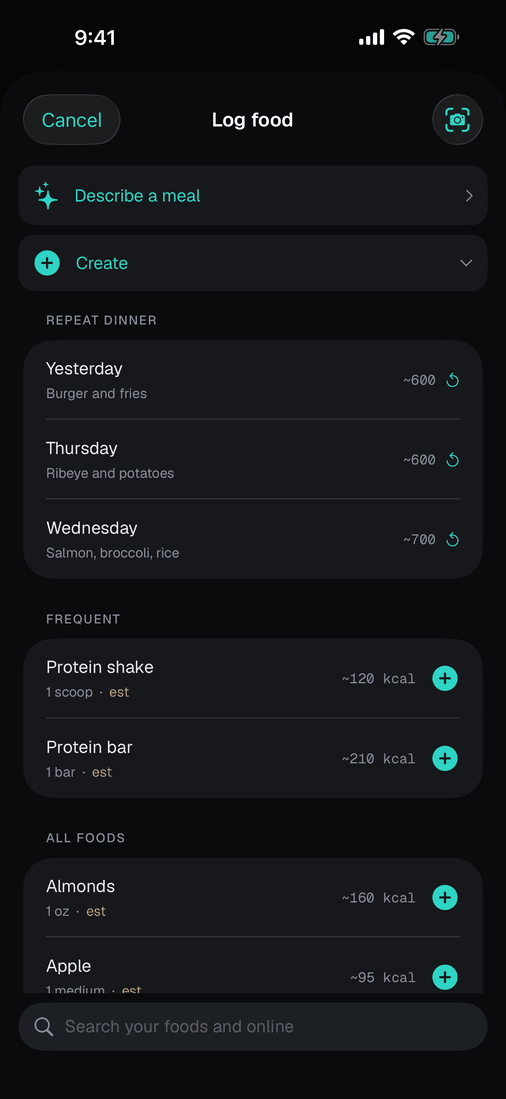
Repeating a meal is also two taps. Open a meal and the last few days you ate it are listed at the top: tap Yesterday and every item goes in at once.
Quick add is on Today, next to water. Type a number, tap Add. It records calories with no name and no macro split, which is the honest shape of "I ate something, about 400". Refusing to record that does not make your day accurate; it makes it wrong by 400.
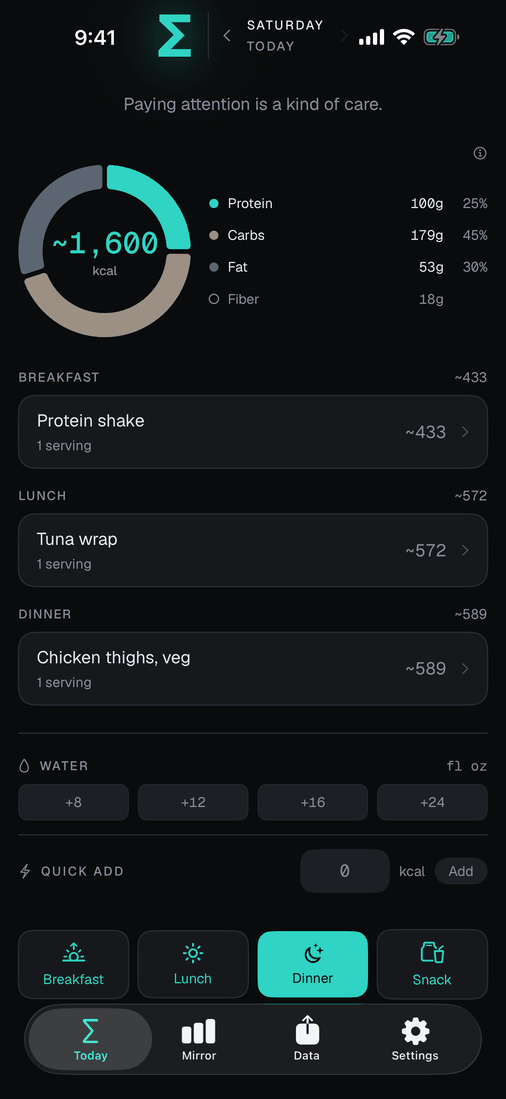
Other ways in: scan a barcode, speak a whole meal, or run the Log a Food shortcut from the Action Button without unlocking anything.
Menus and nutrition labels can come from the camera OR from your photos. A label you're reading in a grocery app or on a brand's website is a screenshot, and a screenshot reads cleaner than a photograph of a screen ever will.
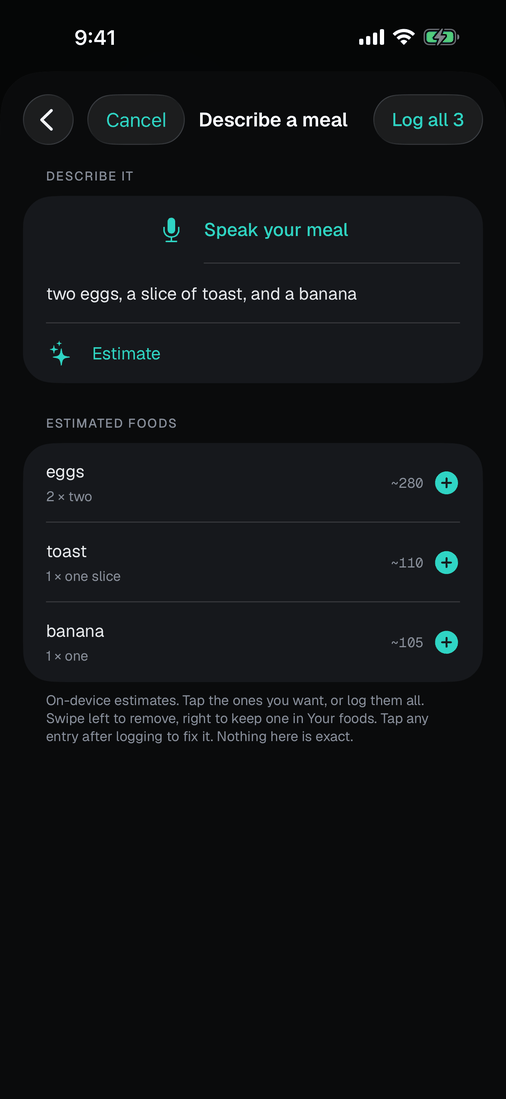
Speaking a meal is a guess by design, and it is worst where you were most precise. Say "16 oz ribeye" and it hears the weight but prices a generic steak, so the number can be out by half. Any item where you gave a real weight offers Look up underneath it: that hands the weight to the food database and does the arithmetic instead, using the same portion and raw-or-cooked handling as a normal search. Counts like "2 eggs" have no weight to look up with, so they stay estimates.